
Soft Reserve
A soft-reserve sheet before the raid, here on rollforme.com - and the RollForMe addon on the night, step by step.

- 1Raid leader
Make a sheet
Pick the game version, faction and raid, how many SR each and how many on one item. Share the sheet's link with your raid - or post it to your Discord, where raiders can reserve without leaving it.
Make a sheet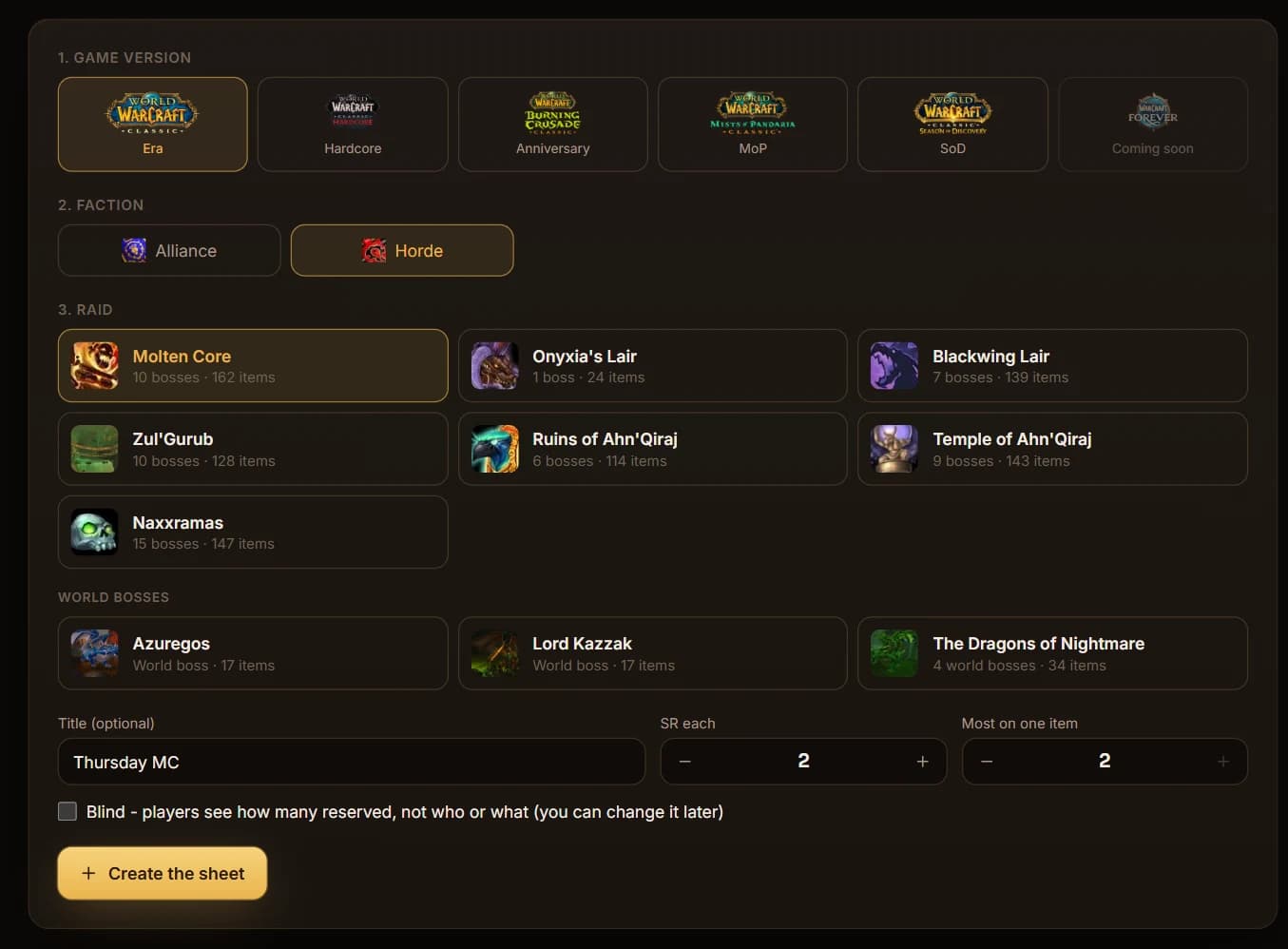

- 2Everyone
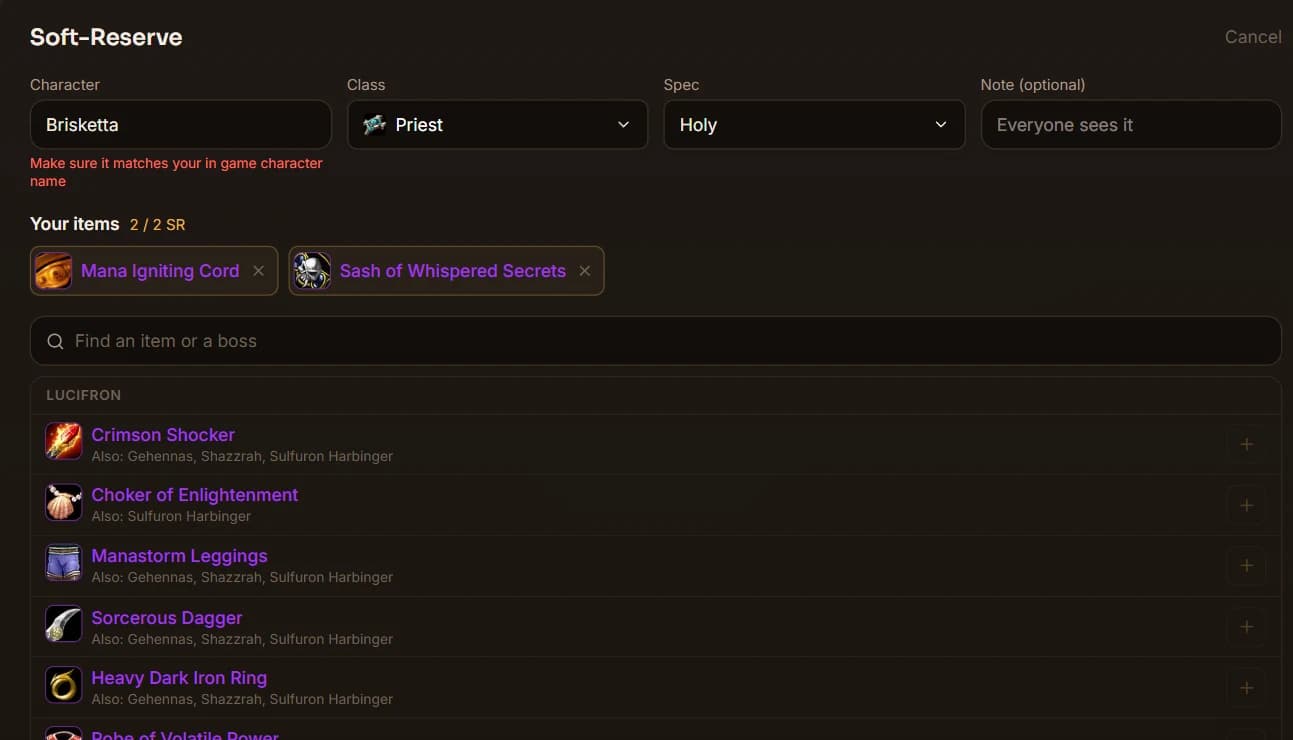
Reserve what you want
Your character, class and spec, then the items - only what your class can use. A note if you like. Blind sheets keep everyone's picks hidden.
- 3Loot master
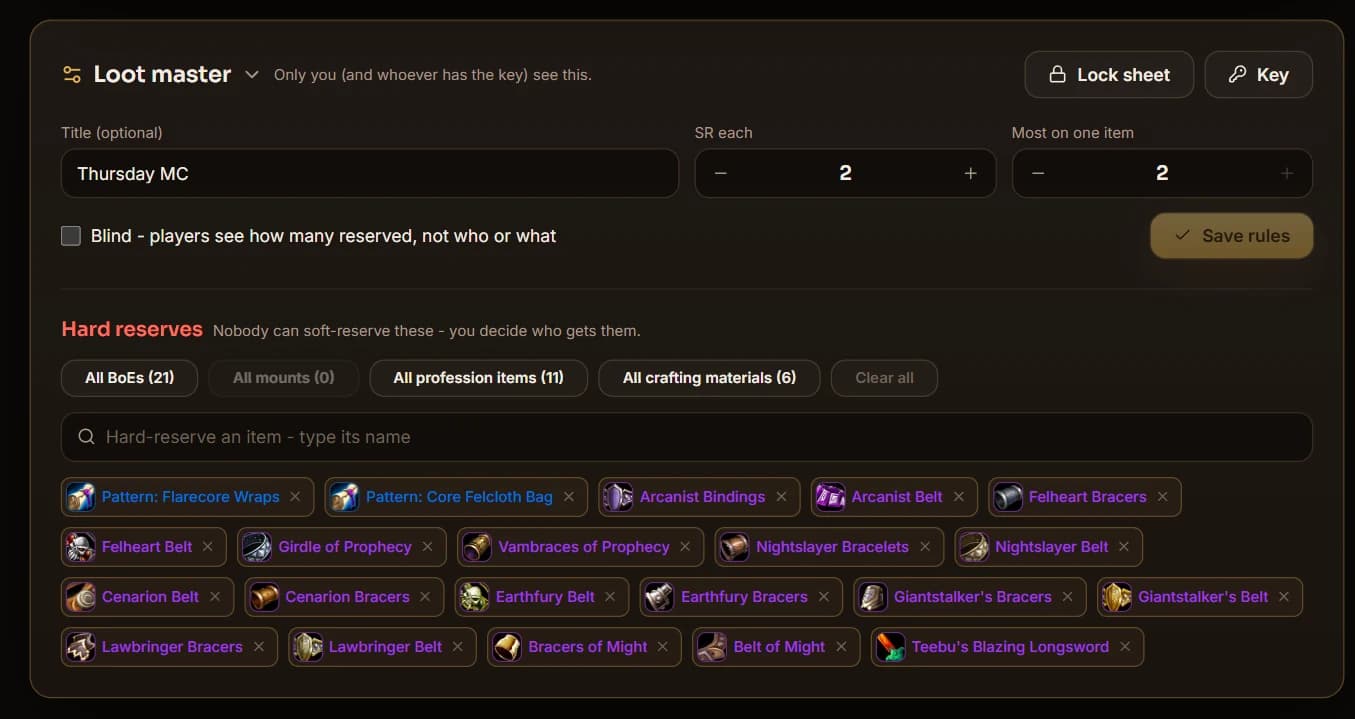
Hard-reserve, then lock
Hard-reserve what the raid keeps - every BoE, mount, profession item or crafting material in one click - and lock the sheet when it's time to pull.
- 4Loot Master
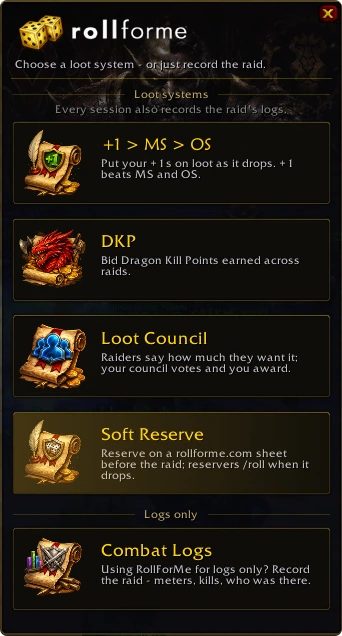
Open RollForMe and pick Soft Reserve
Type /rfm (or click the minimap dice) and click the Soft Reserve card.
- 5Loot Master
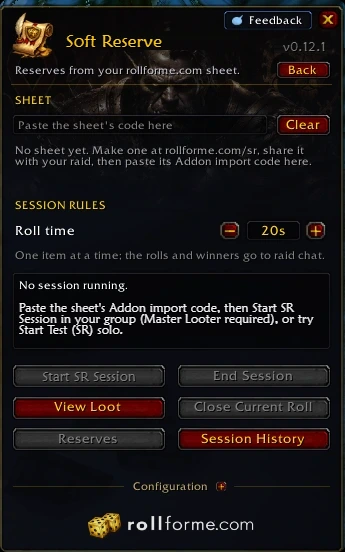
Paste the sheet's code - the session starts
On your sheet, click Copy addon import code. In game, paste it in the Sheet box with Ctrl+V as the Master Looter (or as raid leader, who then takes Master Loot): the session starts right away, and your addon sends the sheet to everyone's RollForMe - raiders don't paste anything. Solo, it's a test session.

- 6Everyone
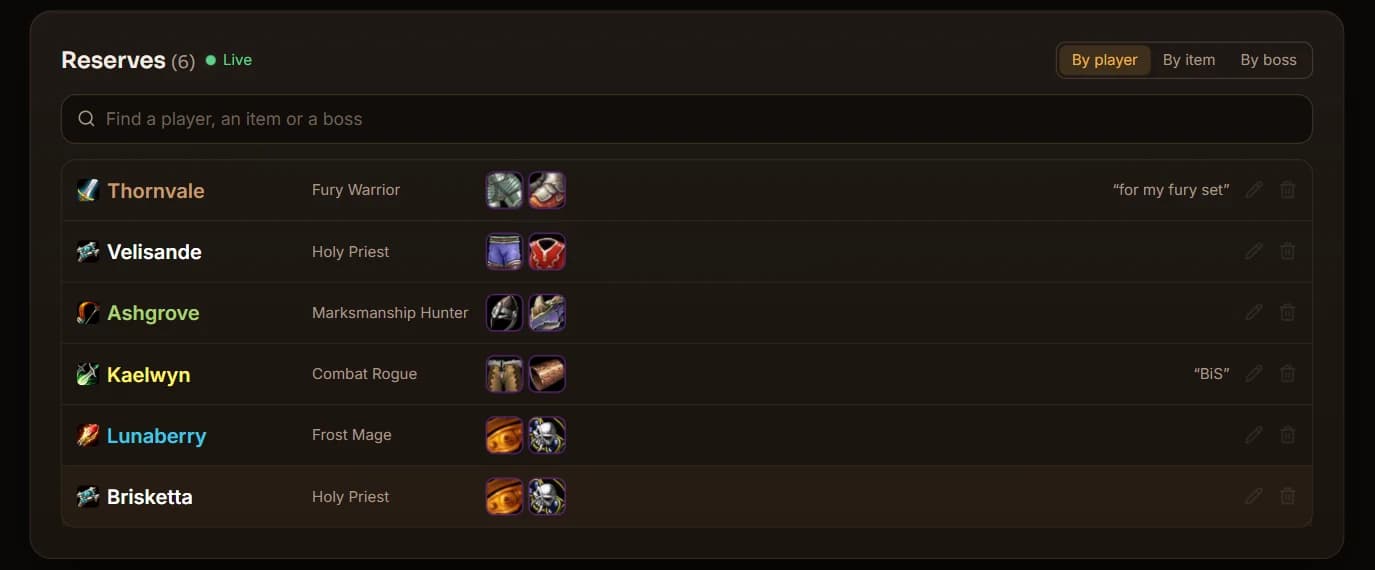
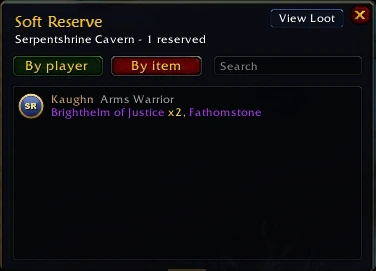
Every reserve, in one window
The Reserves window lists the sheet by player or by item, with a search. Click a player to see them in Session Loot's roster, or an item to jump to it on the Loot tab once it has dropped.
- 7RollForMe
A reserved item drops - its reservers /roll
A raid warning names who reserved it and they /roll 1-100 - one roll for each SR they put on it, and the best one counts. A 5…1 countdown and the winner go to raid chat; ties roll again. Nobody reserved it? It's a free roll for the whole raid. Hard-reserved items go to the Loot Master. Raiders who reserved it get a heads-up the moment it drops.
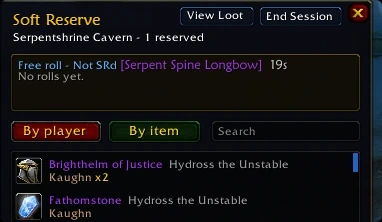 [Raid Warning] [Kaughan]: Roll for [Brighthelm of Justice] - SR: Kaughn (x2), Brisketta. /roll now (20s).Kaughan rolls 41 (1-100)Brisketta rolls 77 (1-100)Kaughan rolls 88 (1-100)[Raid] [Kaughan]: [Brighthelm of Justice]: 5 seconds left to /roll.[Raid] [Kaughan]: 4... 3... 2... 1...[Raid] [Kaughan]: [Brighthelm of Justice] goes to Kaughan (SR, 88).
- 8Loot Master
A name spelt wrong? Link it
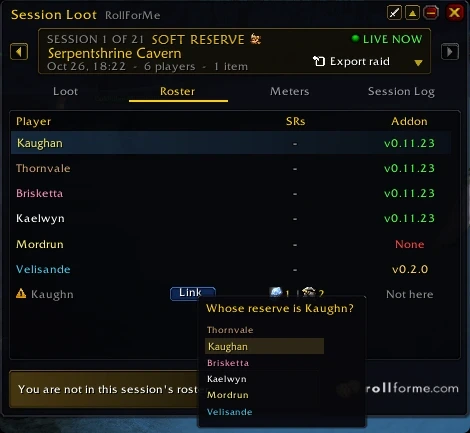
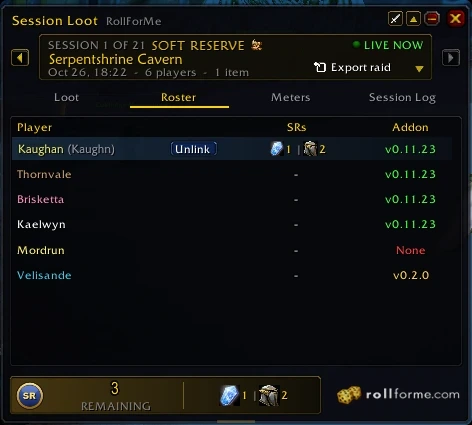
Reserves match raiders whatever the case, accents or realm, and a close misspelling of the same class is matched by itself. Anything left is greyed out on the roster: click Link and pick the raider - or they type sr Kaughn in raid chat. The link holds for the whole session.
- 9Everyone
Every SR at a glance
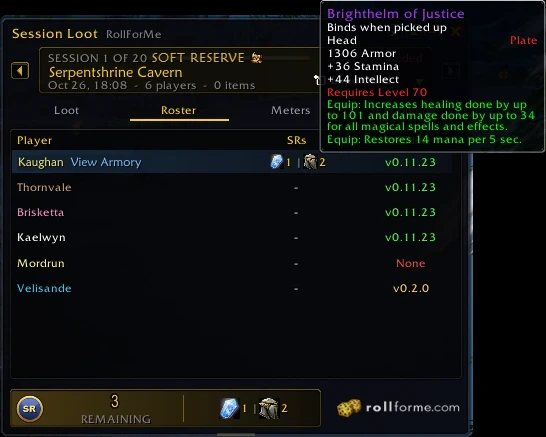
Session Loot's roster shows what each raider reserved - hover an icon for the item. Someone with more than three reads Multiple, with a View list. Your own reserves sit at the bottom: green once it's yours, greyed when it went to someone else.
- 10After the raid
Bring it to rollforme.com
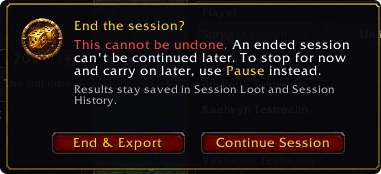
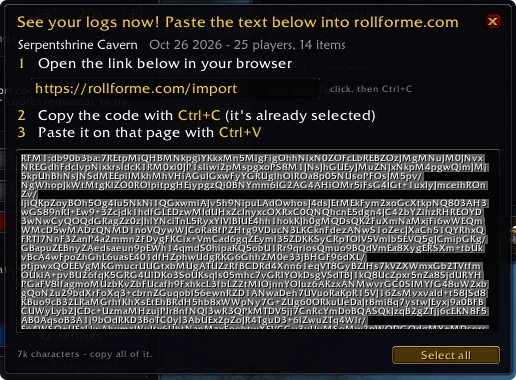
End the session, then Export raid: press Ctrl+C and paste the code on the Import page. Your guild page, raid page and every raider's profile update at once - every SR win included.
Make the sheet now, and share it with your raid.
 +1 > MS > OS
 DKP
 Loot Council