
Combat Logs
A raid night with RollForMe, step by step. Works on every Classic version and WoW Forever.

- 1Anyone in the group
Open RollForMe and pick Combat Logs
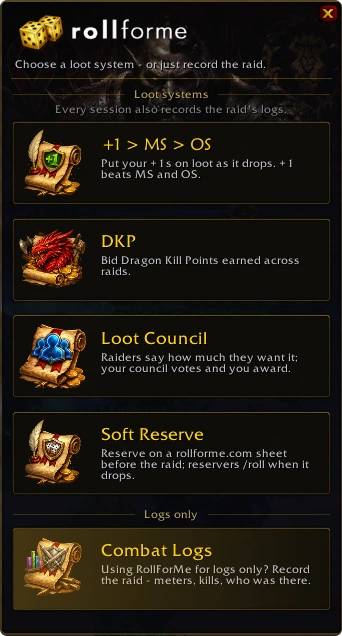
Type /rfm (or click the minimap dice). Under Logs only, click Combat Logs - for raids that hand loot out another way: Group Loot, Personal Loot, your own sheet or another addon.
- 2Anyone in the group
Start Session
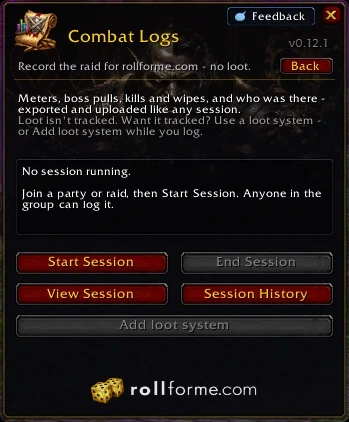
In a party or raid, press Start Session - no lead or Master Loot needed. Several of you can log the same night; rollforme.com keeps it one raid.
- 3RollForMe
Raid as usual - it records
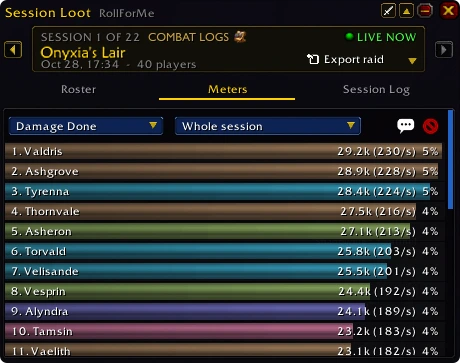
Meters for every fight, boss pulls, kills and wipes, and who was there and when. Loot is left alone: nothing is rolled or announced, and your loot method stays as it is.
- 4Master Looter or leader
Want loot tracked? Add a loot system
Add loot system turns the session into +1 > MS > OS, DKP, Loot Council or Soft Reserve's - the same session, still one raid on rollforme.com. If your Master Looter starts a loot session instead, RollForMe asks you once whether to join it.
Ashgrove started a loot session (+1 > MS > OS).Stop logging and join it? Joining records the logs too.
JoinKeep logging - 5After the raid
Bring it to rollforme.com
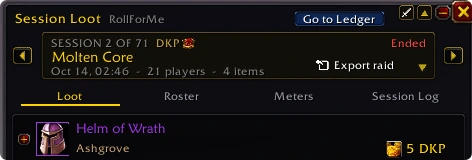
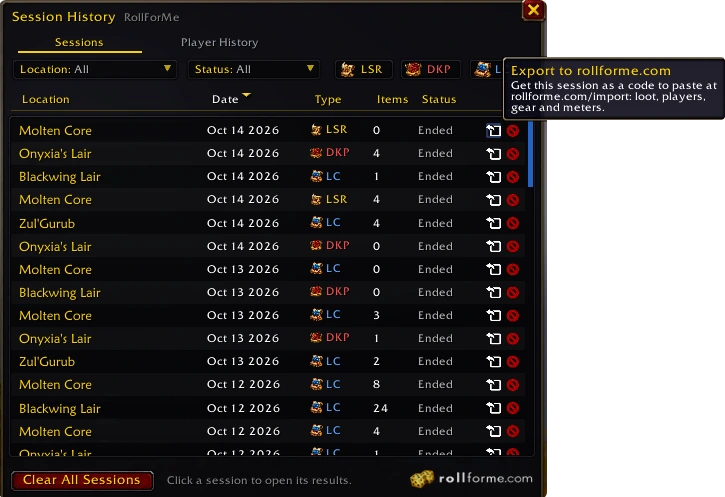
Every session is kept - meters, boss kills and wipes, who was there. Click Export raid in Session Loot (or the export arrow on any session in Session History), press Ctrl+C and paste the code on the Import page: your guild page, raid page, leaderboards and every raider's profile update at once.
 +1 > MS > OS
 DKP
 Loot Council
 Soft Reserve