
DKP
A raid night with RollForMe, step by step. Works on every Classic version and WoW Forever.

- 1Officer
Pick DKP
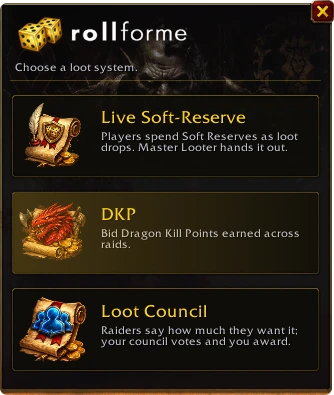
Type /rfm and choose DKP: open bidding on Dragon Kill Points your raiders earn across raids.
- 2Officer
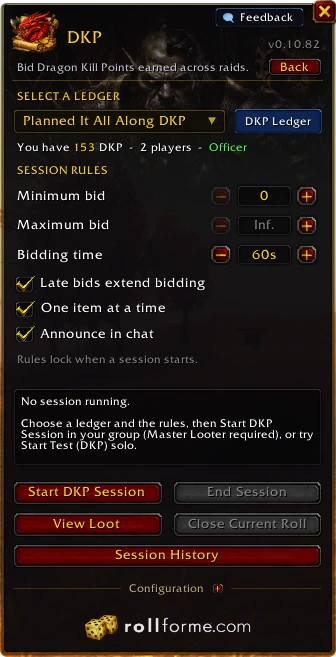
Pick a ledger and set bidding rules
Choose the guild's ledger - every balance and every change lives there, shared with your officers - then the minimum and maximum bid, the bidding time, and whether late bids extend bidding so nobody snipes in the last second.
- 3Everyone
Bid on what drops
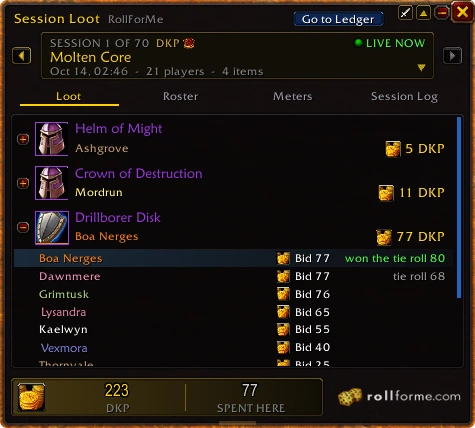
Type your bid and hit Bid - or raise it when someone outbids you. Everyone sees the top bid live, so bidding stays open and fair.


- 4RollForMe
Highest bid wins and pays
The DKP comes off the winner's balance on the ledger, written down with the item and the raid. Tied bids roll off automatically.
- 5Officer
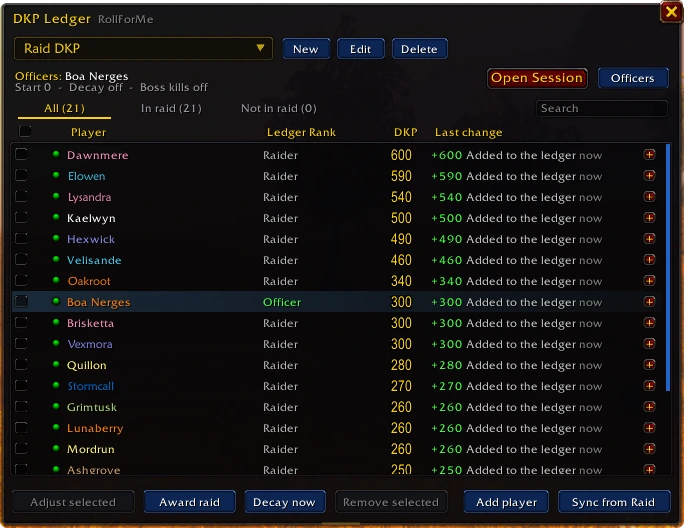
Award, adjust and decay
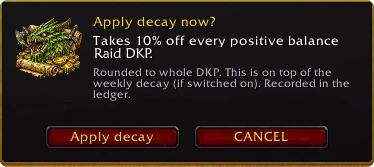
Award the whole raid for a boss kill or attendance, adjust a few players with a reason, or run decay. Every change is on the ledger's history.
- 6After the raid
Bring it to rollforme.com
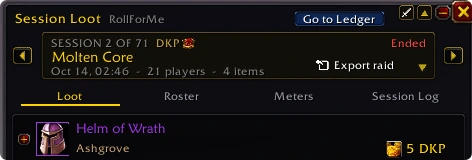
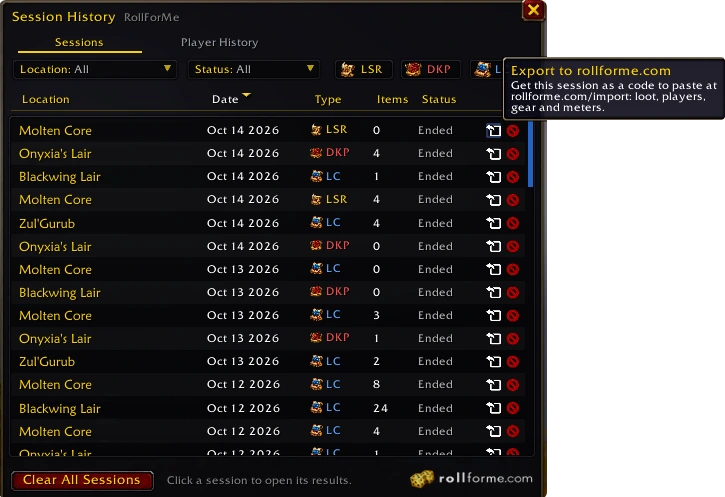
Every session is kept - loot, answers, bids, votes, plus your meters. Click Export raid in Session Loot (or the export arrow on any session in Session History), press Ctrl+C and paste the code on the Import page: your guild page, raid page and every raider's profile update at once.
 +1 > MS > OS
 Loot Council
 Soft Reserve