
Rolling
/
A raid night with RollForMe, step by step. Works on every Classic version and WoW Forever.

Type /rfm (or click the minimap dice). RollForMe asks which loot system to run tonight - pick Live Soft-Reserve.
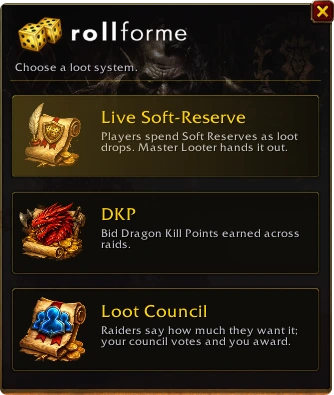
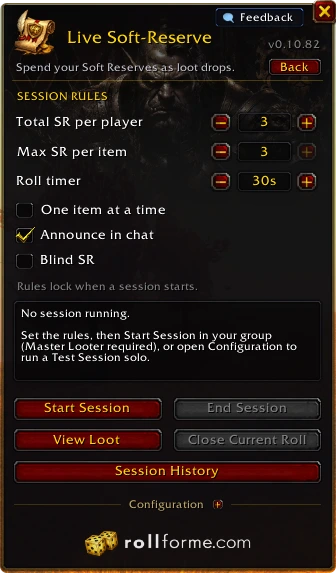
How many SR each player gets, how many can go on one item, and the roll timer - plus one item at a time, chat announcements or blind SR. Rules lock once the session starts, so nobody can change them mid-raid.
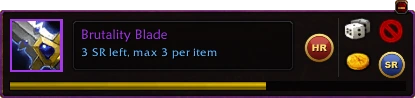
A roll bar pops up for each item: roll Main Spec, Off Spec, pass - or commit SR to it, right there. Players without the addon just type ms, os or sr in raid chat.
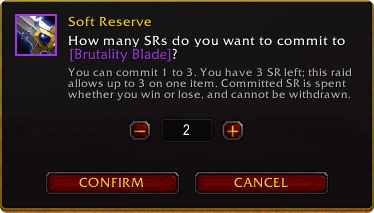
SR beats Main Spec, Main Spec beats Off Spec, more SR on an item beats less, and ties roll off automatically - no /roll arguments. Session Loot shows every item as it's rolled and won.
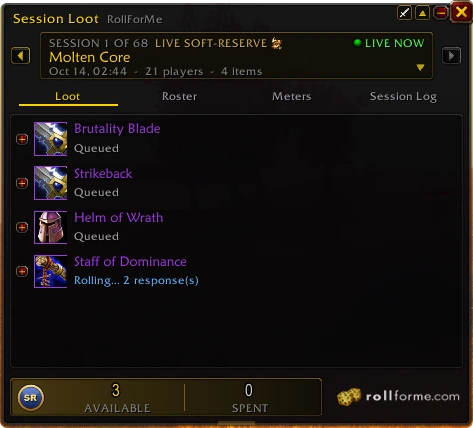
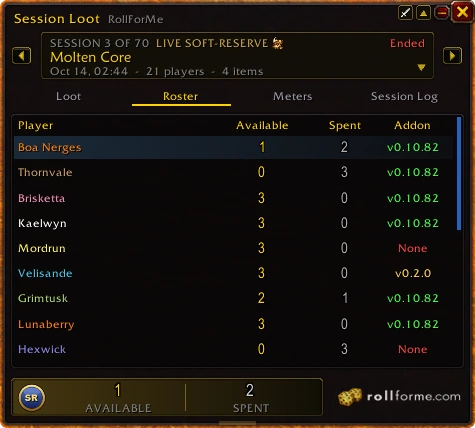
Winners queue up on the Hand-out button; one click gives each item through Master Loot. The Roster tab shows everyone's SR left and spent, and who's running the addon.
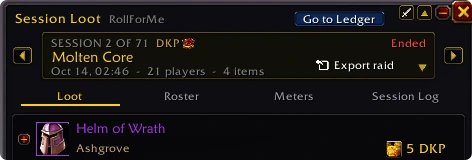
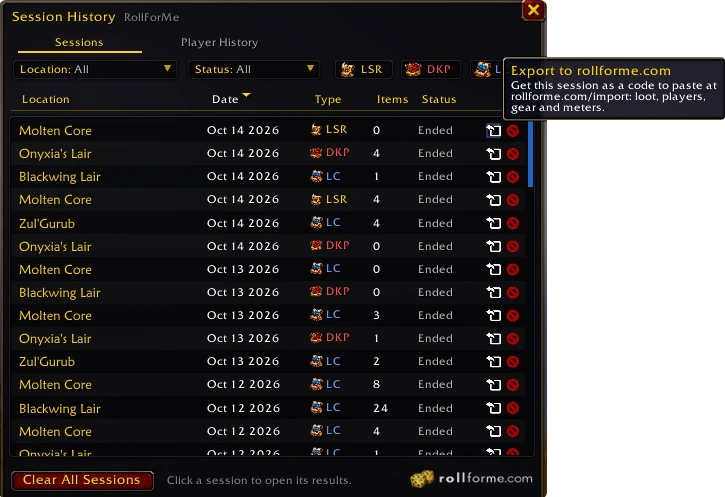
Every session is kept - loot, answers, bids, votes, plus your meters. Click Export raid in Session Loot (or the export arrow on any session in Session History), press Ctrl+C and paste the code on the Import page: your guild page, raid page and every raider's profile update at once.
 DKP
DKP  Loot Council